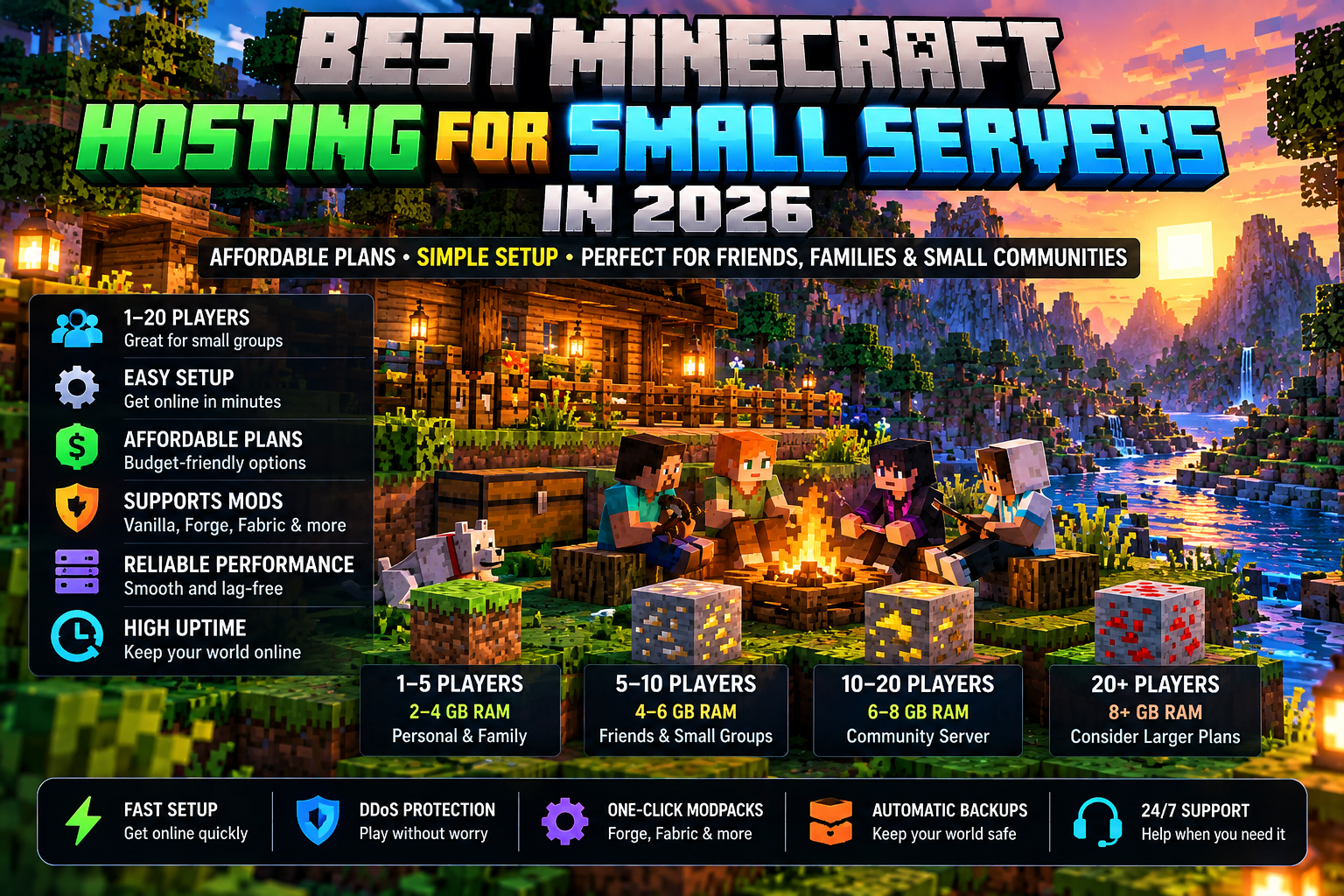
A small Minecraft server usually does not need an expensive hosting plan. If you are building a private world for friends, family, a small Discord group, or a new community, the best hosting choice is the smallest sensible setup that runs your actual workload reliably and gives you room to upgrade later.
Quick answer: prioritize the right server software, enough RAM for your real player count and plugins/mods, a nearby server location, backups, straightforward file access, and an easy upgrade path. Do not pay for a large advertised player capacity you are unlikely to use.
What Counts as a Small Minecraft Server?
For this guide, a small server means a private or early-stage server with a modest number of simultaneous players rather than a large public network. It might be a vanilla survival world, a lightly customized Paper server, a family server, or a small modded group.
The important number is concurrent players—how many people are actually online at the same time—not the total number of people who have ever joined your Discord or whitelist.
1. Do Not Buy Hosting by Player Slots Alone
Player-slot marketing is easy to understand but does not describe the whole workload. Two servers with the same number of players can perform very differently if one uses vanilla settings while the other runs heavy plugins, mods, large view distances, or aggressive world generation.
Use How Much RAM Does a Minecraft Server Need? to plan resources before choosing a hosting tier.
2. Vanilla Servers Can Start Simple
A small vanilla survival server is one of the easiest Minecraft workloads to plan. Keep view and simulation settings reasonable, avoid buying for hypothetical future growth, and monitor performance while the normal group is online.
3. Plugins Change the Workload
A few lightweight administrative plugins may have little impact, while maps, NPC systems, large economies, logging tools, custom worlds, or other complex plugins can add meaningful demand. Choose the server based on what the plugins actually do rather than simply counting them.
4. Small Modded Servers Need Separate Planning
A server can have only a few players and still require substantial resources if it runs a large modpack. If you use Forge, NeoForge, Fabric, or a packaged mod collection, follow the modpack’s server requirements and see GameGood’s Minecraft hosting for mods guide.
5. Pick a Location Near the Players
For a small group, you usually know where most players are located. Choose a server region that makes sense for that group. Paying for extra RAM does not eliminate network latency caused by a poorly chosen server location.
6. Backups Matter Even for a Friends Server
A private world can represent hundreds of hours of building. Check how backups are created, how many are retained, and—most importantly—how to restore one. Back up before major version, plugin, or mod changes.
7. Make Sure You Can Upgrade Without Starting Over
A small server may not stay small. A useful hosting plan should let you increase resources while preserving the world and configuration. That lets you start economically without trapping the community on an undersized setup.
Self-Hosting vs. Paid Hosting for a Small Server
| Consideration | Self-Hosting | Managed Hosting |
|---|---|---|
| Monthly hosting bill | No separate provider bill | Recurring payment |
| Hardware | You provide it | Provider supplies infrastructure |
| Electricity | You pay directly | Included in service price |
| Networking | You configure/manage it | Provider handles server connectivity |
| Maintenance | Your responsibility | Infrastructure handled by provider |
| Convenience | More hands-on | Usually easier to keep online |
If you already own suitable hardware and enjoy managing servers, self-hosting can make sense. If you want the world online without maintaining the underlying computer and network, managed hosting can be worth the recurring expense. Compare the full tradeoff in our Minecraft server cost guide.
Is Shockbyte Worth Considering for a Small Server?
Shockbyte is one managed-hosting option worth comparing because it offers multiple Minecraft resource tiers and Minecraft-focused management features. The correct plan depends on your exact workload, and current plans and promotions can change. Start with your requirements instead of automatically choosing a larger tier.
See GameGood’s Shockbyte Review 2026 for the provider-specific breakdown.

Need Minecraft Server Hosting?
Shockbyte offers managed Minecraft server hosting for players who want to get a server online without maintaining the underlying hardware themselves. Compare the plan resources and current terms with the needs of your server before purchasing.
Affiliate disclosure: GameGood may earn a commission if you purchase through this link, at no additional cost to you.
Small Minecraft Server Buying Checklist
- Java or Bedrock?
- Realistic peak concurrent players
- Vanilla, Paper/plugins, or modded?
- Enough RAM with reasonable headroom
- Suitable CPU/resource allocation
- Server region near the regular players
- Backups and an understood restore process
- File/configuration access
- Easy resource upgrades
- Current price and renewal terms
When Should You Upgrade?
Upgrade when measurements show a real capacity problem or when your planned changes clearly require more resources. More regular players, a larger modpack, resource-heavy plugins, or sustained memory pressure can justify an upgrade. Do not upgrade simply because a bigger plan exists.
Bottom Line
The best Minecraft hosting for a small server is usually not the biggest package. Choose enough resources for the world you are actually running, keep backups, select a sensible location, and make sure you can scale later. A small server that performs reliably is better than an oversized server that wastes money every month.
Next: use the Minecraft hosting comparison to evaluate managed hosting, or follow How to Start a Minecraft Server if you are still setting up your first world.
Affiliate disclosure: GameGood may earn a commission from qualifying purchases made through affiliate links on this page, at no additional cost to you.